creating inventory system (OBJECTS)
To make an array two things are important:
- initialising the array; for now we say our array can be at most 100 elements, cuz we create 2 arrays, one with 3 elements and one with 2 elements (chairs and tables). Therefore in this case is 100 for each array more than enough.
Furniture[] collection = new Furniture[100];
- initialising the numberOfElements; keep track of the length of the array is necessary
int numberOfElements = 0;
At this moment you have made the setup for an array. You will create the array in the Main method, we will come there later. First you have to make it possible to modify the array. Things like add and remove from your array.
3. use the object structure we made in OBJECTS, to save your collection
package InventorySystem;

public class MyCollection {


}
4. add what we’ve discussed above
package InventorySystem;

public class MyCollection {

	Furniture[] collection = new Furniture[100];
	int numberOfElements = 0;
}
5. For now, we are going to create 2 methods. ADD and REMOVE LAST ELEMENT
package InventorySystem;

public class MyCollection {

	Furniture[] collection = new Furniture[100];
	int numberOfElements = 0;

	void add(Furniture object) {

	}

	void removeLastObject() {

	}


}
6. We can just say in which box we want to add something. In this program we start with the first box.

ADD
Normally you want to add in ascending order. That is the empty box which is available with the lowest array number.
In this case box[0]:
number of elements = 0
In this case box[1]:
You see every free box number is exactly the number of elements
Therefore, the add method looks like this
void add(Furniture object) {
	collection[numberOfElements] = object;
	numberOfElements++;
}
REMOVE
FIRST, KNOW: HOW TO COUNT IN JAVA?

box[numberOfElements – 1]
Remove will in this case delete the last box
void removeLastObject() {
	collection[numberOfElements-1] = null;
	numberOfElements--;
}
CLICK HERE HOW THE CLASS MYCOLLECTION SHOULD LOOK LIKE
last step
last thing to do is a main class, in which we can actual create, add and remove chairs and tables
- build a main class structure class
package InventorySystem;

public class Main {

	void start () {
	}

	public static void main(String[] args) {
		new Main().start();
	}

}
- create all objects
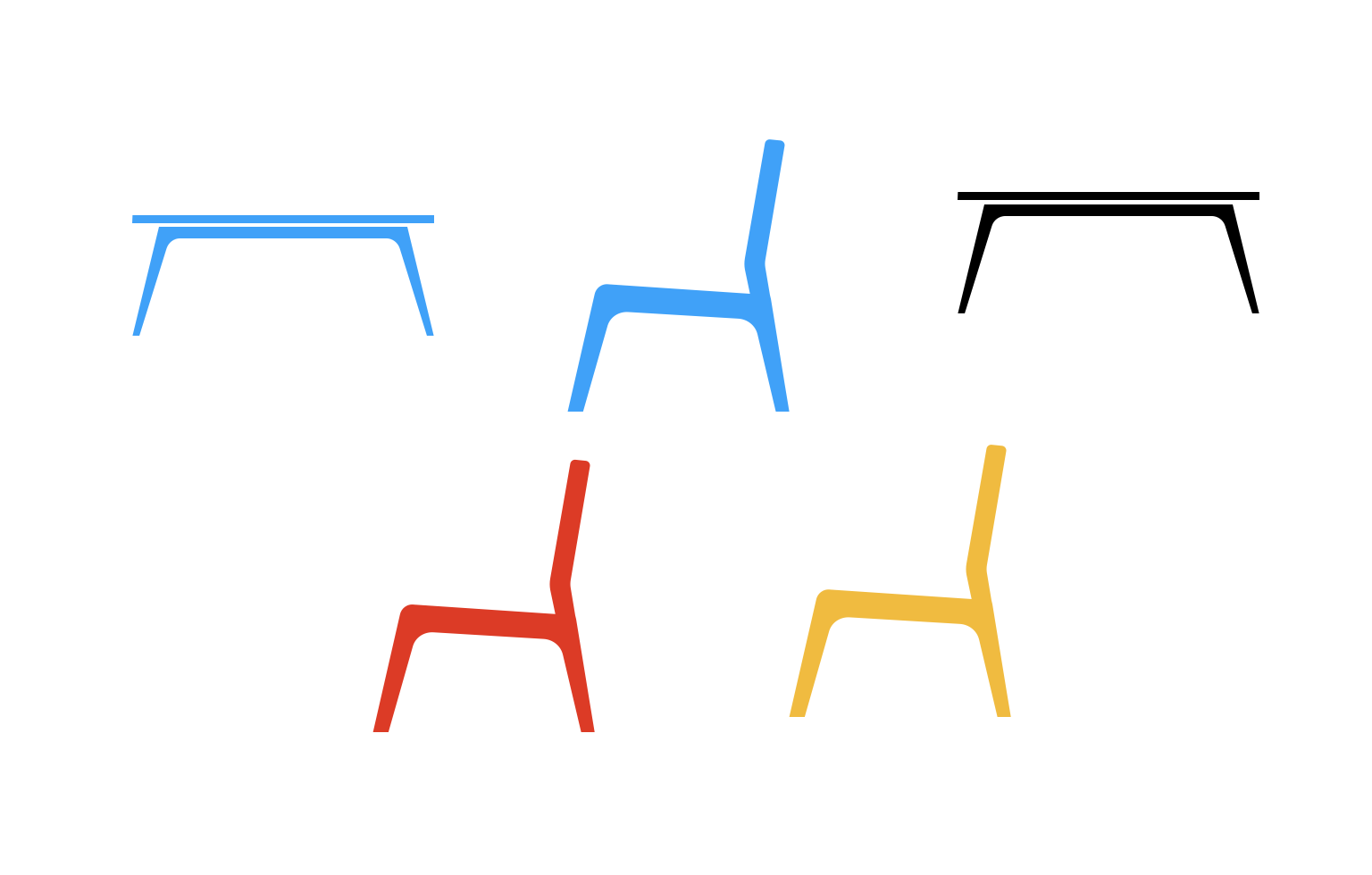
package InventorySystem;

public class Main {

	void start () {
		Furniture redChair = new Furniture();
		Furniture blueChair = new Furniture();
		Furniture yellowChair = new Furniture();

		Furniture blueTable = new Furniture();
		Furniture blackTable = new Furniture();

		MyCollection tableCollection = new MyCollection();
		MyCollection chairCollection = new MyCollection();
	}

	public static void main(String[] args) {
		new Main().start();
	}

}
- group all objects
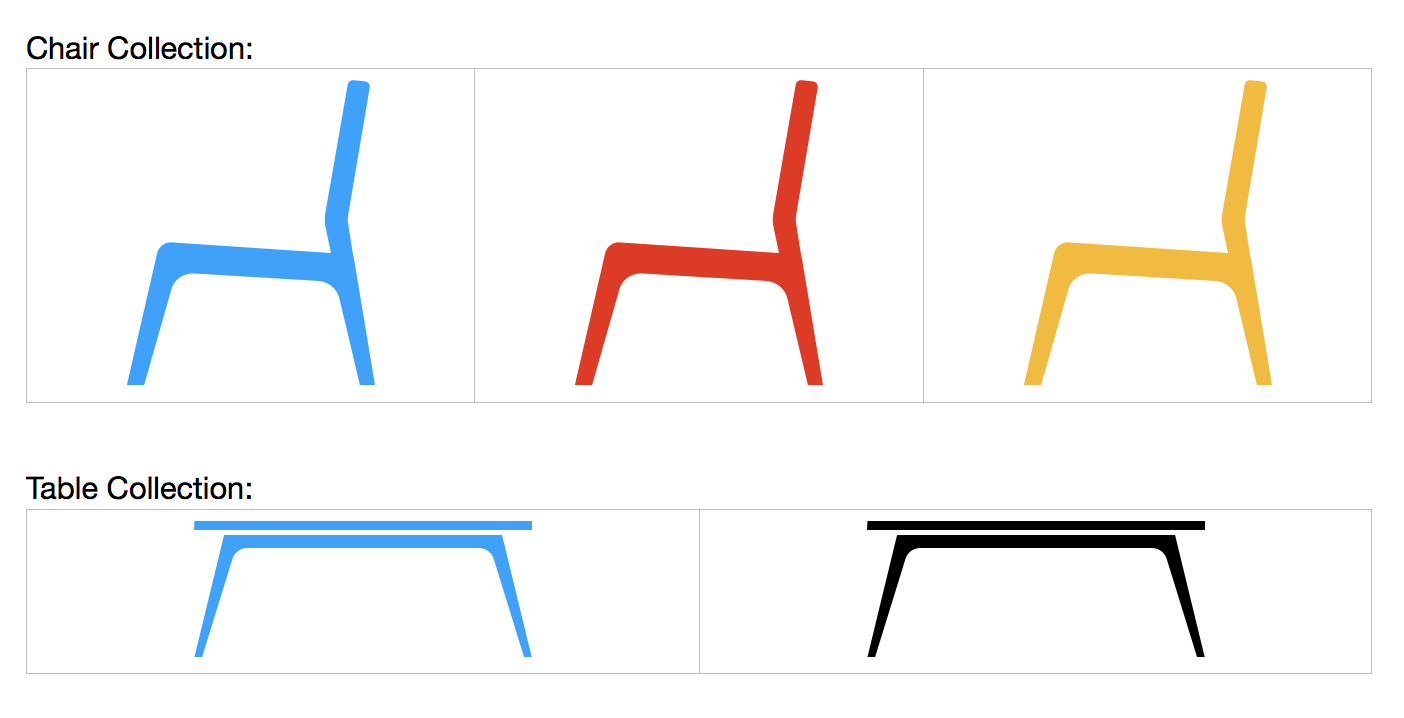
package InventorySystem;

public class Main {

	void start () {
		Furniture redChair = new Furniture();
		Furniture blueChair = new Furniture();
		Furniture yellowChair = new Furniture();

		Furniture blueTable = new Furniture();
		Furniture blackTable = new Furniture();

		MyCollection tableCollection = new MyCollection();
		MyCollection chairCollection = new MyCollection();

		tableCollection.add(redChair);
		tableCollection.add(blueChair);
		tableCollection.add(yellowChair);

		chairCollection.add(blackTable);
		chairCollection.add(blueTable);
	}

	public static void main(String[] args) {
		new Main().start();
	}

}
Extra
When you want to know how many objects in your inventory are all the time just add a println, to your add and remove method. Then your class myCollection looks like this:
package InventorySystem;

public class MyCollection {

	Furniture[] collection = new Furniture[100];
	int numberOfElements = 0;

	void add(Furniture object) {
		collection[numberOfElements] = object;
		numberOfElements++;
		System.out.println(numberOfElements);
	}

	void removeLastObject() {
		collection[numberOfElements-1] = null;
		numberOfElements--;
		System.out.println(numberOfElements);
	}


}
And you can modify your main program a bit, to delete and add products:
package InventorySystem;

public class Main {

	void start () {
		Furniture redChair = new Furniture();
		Furniture blueChair = new Furniture();
		Furniture yellowChair = new Furniture();

		Furniture blueTable = new Furniture();
		Furniture blackTable = new Furniture();

		MyCollection tableCollection = new MyCollection();
		MyCollection chairCollection = new MyCollection();

		tableCollection.add(redChair);
		tableCollection.add(blueChair);
		tableCollection.add(yellowChair);

		chairCollection.add(blackTable);
		chairCollection.add(blueTable);

		chairCollection.removeLastObject();

		chairCollection.add(blueTable);

	}

	public static void main(String[] args) {
		new Main().start();
	}

}