Pre-knowledge:
- operator: ==
- method: equals
- creating a standard main class
- String Literal vs String Object
- if-/else statements
- objects
- datatypes
- variables
definition
== and .equals() are both commands used to check if variables are identical.
difference?
For some classes, the .equals() command doesn’t only look at the memory location of the objects, but also checks other values’ memory location.
| Memory Location | == | .equals() |
| object | ✔️ | ✔️ |
| other values | ✔️ |
How does this work?
Because variables could be stored in different memory locations, the way you should compare variables could differ.

In detail
If you look at the form of the commands, you already see one important difference that will make you understand the concept even faster.
== is an operator
Because it is easy to compare identical memory locations we use the == operator.
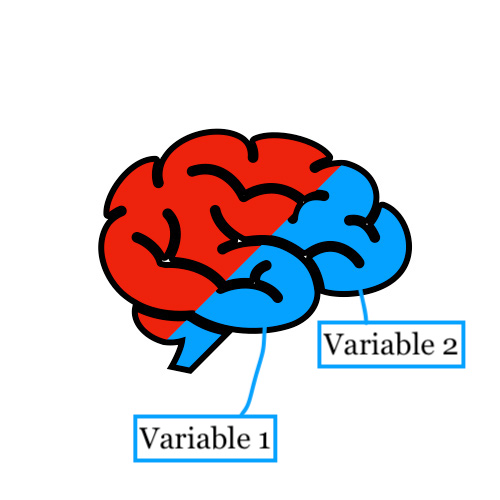
.equals() is a method
Because it is a little harder to compare different memory locations. People created a method. This method is sometimes short and sometimes a little longer
additional info
- The equals method in the Object class is nothing more than an == , therefore one can conclude that you also just can use the == command for most objects.
- You can even create a method: equals yourself. But in this case, we only discuss the built-in methods in the class: String and Object
oVERVIEW
The == operator and equals method will work differently for the following categories:
IMAGINE..
The exact explanation requires some technical expertise, however, this will give you some intuition.
- imagine a space

2. We don’t work in the main method, so we add a method to work in

3. One could imagine that comparing two identical variables and two different variables should be done in a different manner.
-

- Two Identical Variables
-

- Two Different Variables
difference in code
Identical Variables:
output is true
Different Variables:
output is true
different cases
The following table shows you an overview of common use cases of the 2 compare commands. In the case of:
| Categories | == | .equals() |
1. primitive datatypes |
✔️ | ✖️ |
2. String Literals |
✔️ | ✔️ |
3. objects |
✔️ | ✔️ |
4.String objects |
✖️ | ✔️ |
In conclusion.
The 4 categories showed more information on how different data types use different memory locations (namely because of different use in memory we have to use different compare commands.).